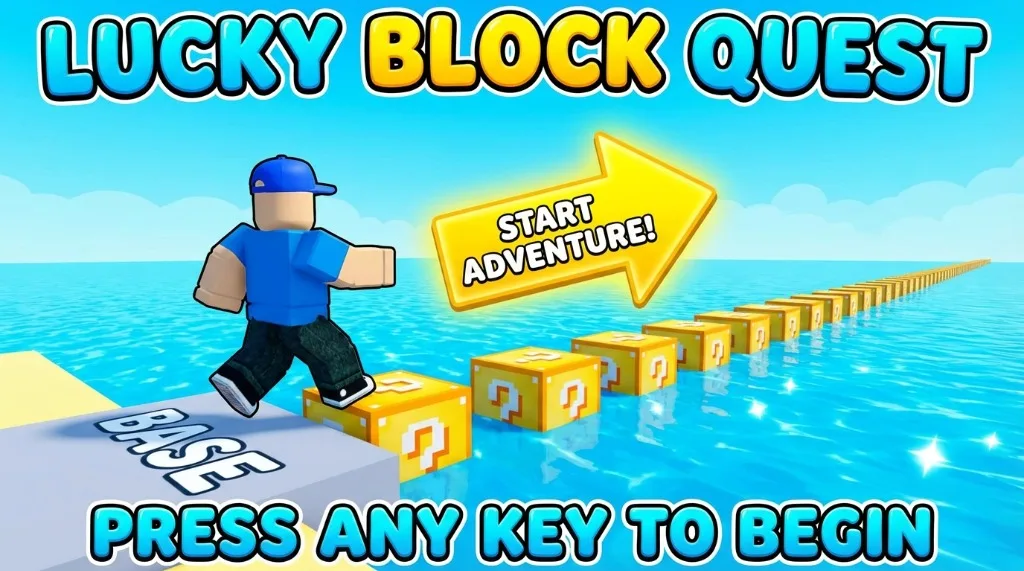
Ready to jump into Escape Waves For Lucky Blocks? This quick guide walks you through everything from finding the game to collecting your first blocks.
Step 1: Finding the Game
- Open Roblox on your device (PC, mobile, Xbox, or PlayStation)
- Use the search bar at the top
- Type “Escape Waves For Lucky Blocks”
- Click on the game with the correct thumbnail
- Press the green Play button
Step 2: Spawning at Your Base
When you join, you’ll spawn at your personal base. This is your safe zone where:
- Waves can’t hurt you
- You open Lucky Blocks
- Your Brainrots generate income
Take a moment to look around and familiarize yourself with the layout.
Step 3: Get Your Free Pet First!
Before doing anything else:
- Exit Roblox temporarily
- Go to the game’s main page
- Click on the developer’s group
- Join the group
- Return to the game
- Claim your free Tolerero Tala pet ($44/sec income!)
This free pet gives you a huge advantage!
Step 4: Understanding the Field
Beyond your base is the field – a dangerous ocean area filled with Lucky Blocks.
Important: Waves regularly sweep across the field. Getting hit = instant death and loss of collected blocks!
Step 5: Your First Block Collection Run
- Walk from your base toward the ocean
- Look for glowing Lucky Blocks near the shore
- Hold the pickup button to collect one
- Immediately run back to your base
- Don’t be greedy – one block is enough for now!
Step 6: Opening Your First Block
Back at base:
- Go to your Lucky Block platform
- Place the block
- Open it
- Watch a Brainrot spawn!
- The Brainrot starts generating income automatically
Step 7: Spend on Speed
Check your money counter. As soon as you have cash:
- Find the Gear Shop
- Buy Speed upgrades
- Ignore everything else for now
- Speed = survival!
What’s Next?
Now that you’ve started:
- Keep farming blocks near shore
- Max speed to 50+
- Read the full Beginner Guide for detailed strategies
Welcome to Escape Waves For Lucky Blocks! 🌊